About Solutions
Solutions in Intent Architect serve as a collection of one or more Applications.
They are represented by an .isln (Intent Solution) file on the disk-drive. With Intent Architect you can only open Solution files and not Application files; so if you want to open an Intent Architect Application, you have to do that through the context of a Solution.
Solution Explorer
The Solution Explorer is visible on the left side of Intent Architect.
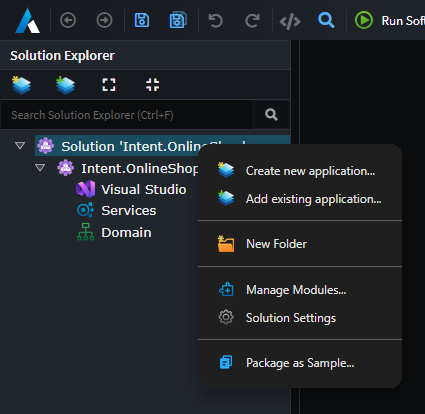
Applications are shown as children on the solution in the tree view.
Managing Applications
At the top of the Solution Explorer, or the context menu, you will find these commands that can be performed:
Create New Application
Create a new Application and add it to this Solution.
Add Existing Application
Browse for an existing Application located outside your current Intent Architect solution and add it to this Solution.
Note
It will not import the content into this Solution but will merely make a reference to that location.
New Folder
Create a Solution Folder for organizing your applications as desired within them.
Managing Modules at a Solution level
Through the context menu on the solution, the Manage Modules... option can be used to see a solution wide view of all installed modules. This view can be useful for updating modules across all applications at once.
Solution Settings
Change Settings of the Solution such as its name or icon.
Package as Sample
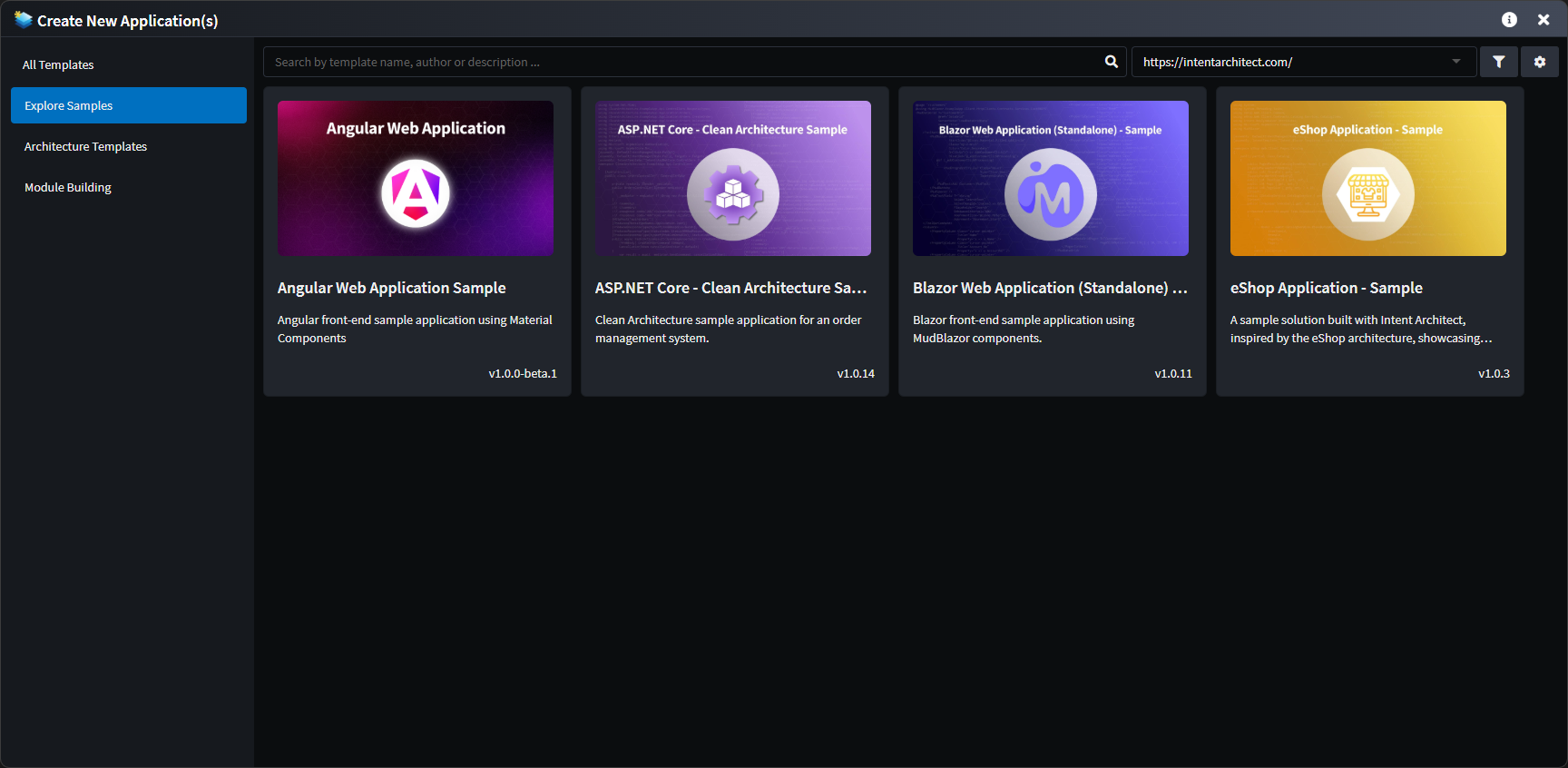
The solution is packaged as a Sample which can be uploaded to an Intent Architect module repository and appear under the "Explore Samples" section on the new Application screen: