How to change the output root
Applications in Intent Architect have a Root Output Location which is stored as a relative path to the location of the Application's .application.config file. To change this location, open the Application's Settings.
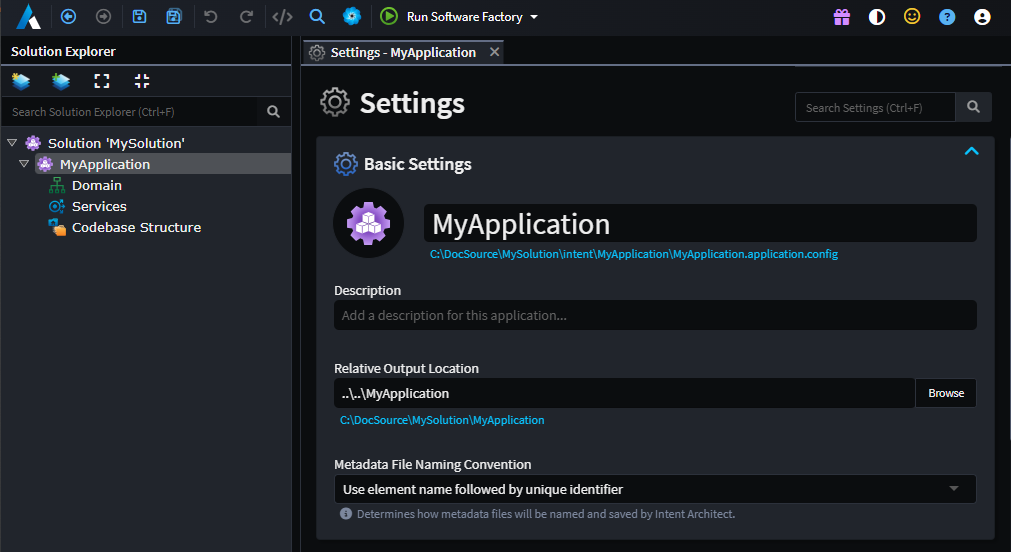
In the image above we can see that the path of the SampleApplication.application.config file is in the D:\DocSource\SampleSolution\intent\ directory. The Relative Output Location is ..\SampleApplication. Therefore the Root Output Location of this Application is D:\DocSource\SampleSolution\SampleApplication.
Note
In an attempt to make Intent Architect OS agnostic, it will automatically convert backslashes to forward slashes. However, we still recommend setting the Relative Output Location using forward slashes to avoid confusion.