Keyboard Shortcuts
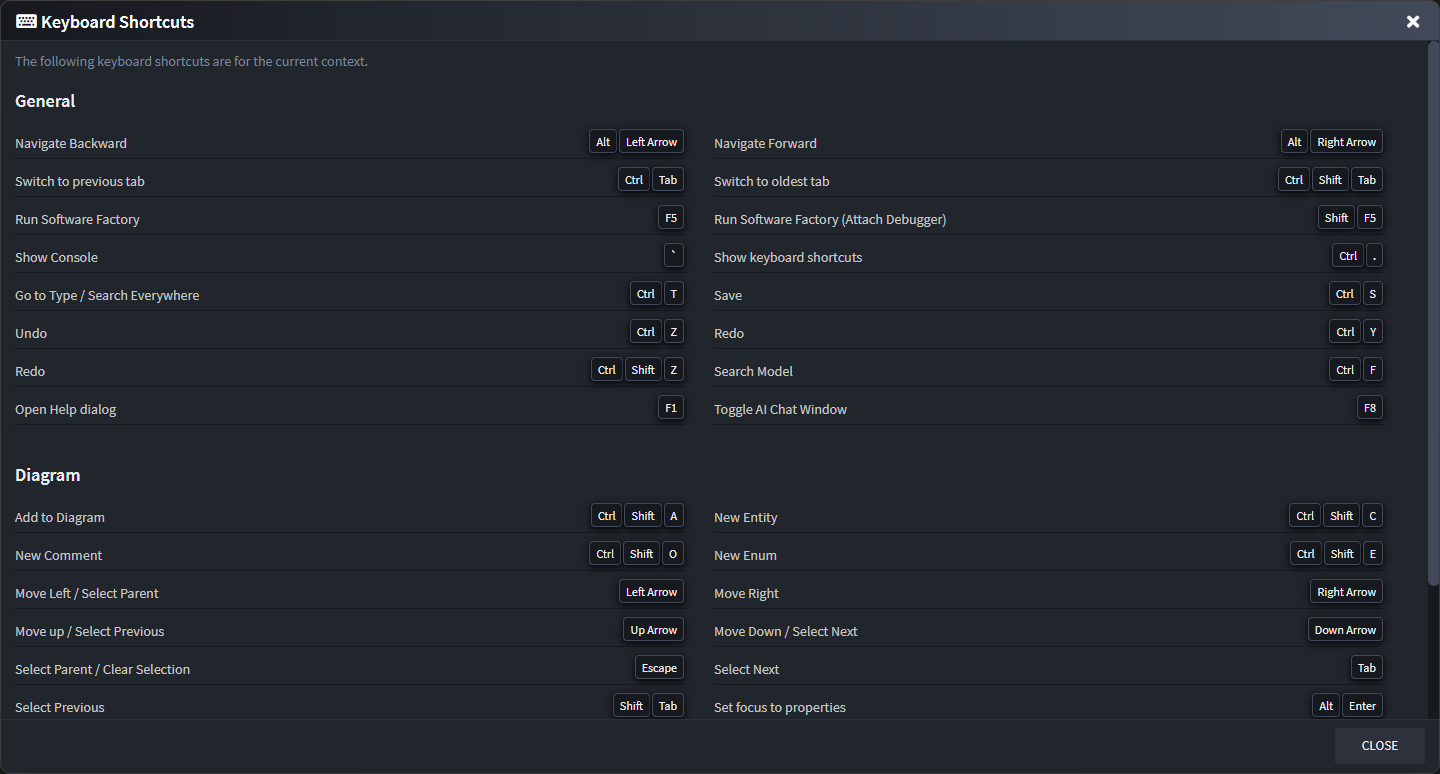
At any point you can bring up the Keyboard shortcuts legend by pressing Ctrl + .. This will give an overview of all the available shortcuts for the current view you're on.
Note
For macOS users the Ctrl button is substituted by the ⌘ (command) key.
Special usages
Create new element of selected type
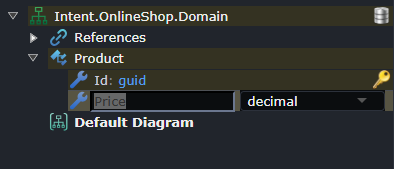
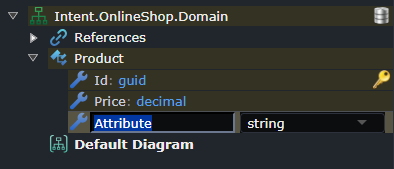
When on an element the Ctrl + Enter shortcut can be used to make a new element of the same type, this can be very useful when needing to create lots of elements of the same type, for example domain class attributes or DTO fields.
For example, while having typed in the name of an element, before having even pressed enter to complete the change:
Press Ctrl + Enter which completes the creation of the previous element, creates a new element of the same type and is ready for you immediately start typing the name for the new element:
Mouse Panning
To pan a diagram click and hold the middle button on it and move your mouse.
If you're on a touch pad or middle-clicking is not conveniently available, you can alternatively Ctrl + Left-Click and move your mouse on the diagram.