About Software Factory Execution
The Software Factory Execution is the process that executes the installed Modules with the metadata from the Designers within an Application. The result is changes to the codebase which are staged before being accepted or rejected.
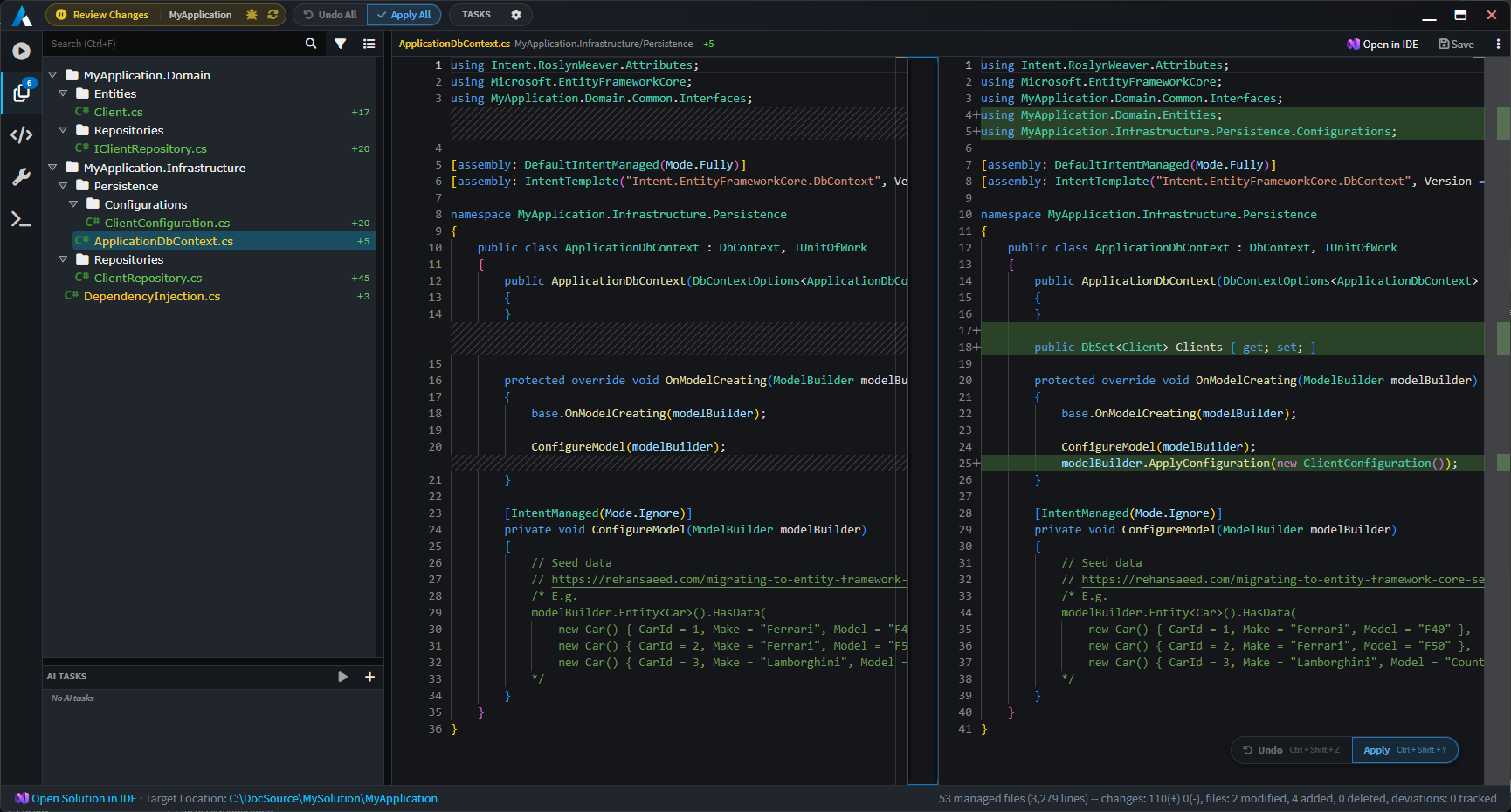
A core principal of Intent Architect is that it will not make changes to your codebase without your explicit consent which is why a diff is shown for the selected file - like a pull request - giving your the opportunity to review or update the changes.
The Software Factory Execution is initiated from within an Application by clicking on the Run Software Factory button in the top tool bar. The execution is typically kicked off after completing some design changes, or installing / updating Modules.

Run the Software Factory from the top tool bar.
You can also run the Software Factory from the application's context menu:
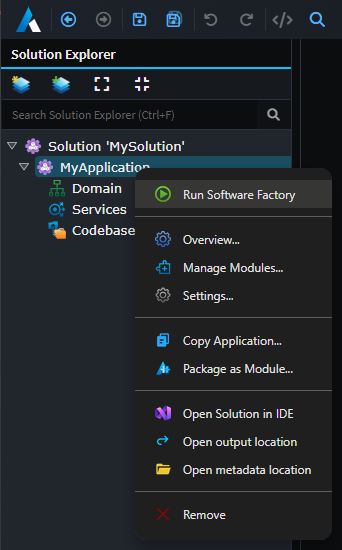 Run the Software Factory from the application context menu
The Software Factory can also be minimized to the task bar. In this state the Software Factory will subscribe to changes for the application and automatically run in the background, notifying the user when it has pending changes.
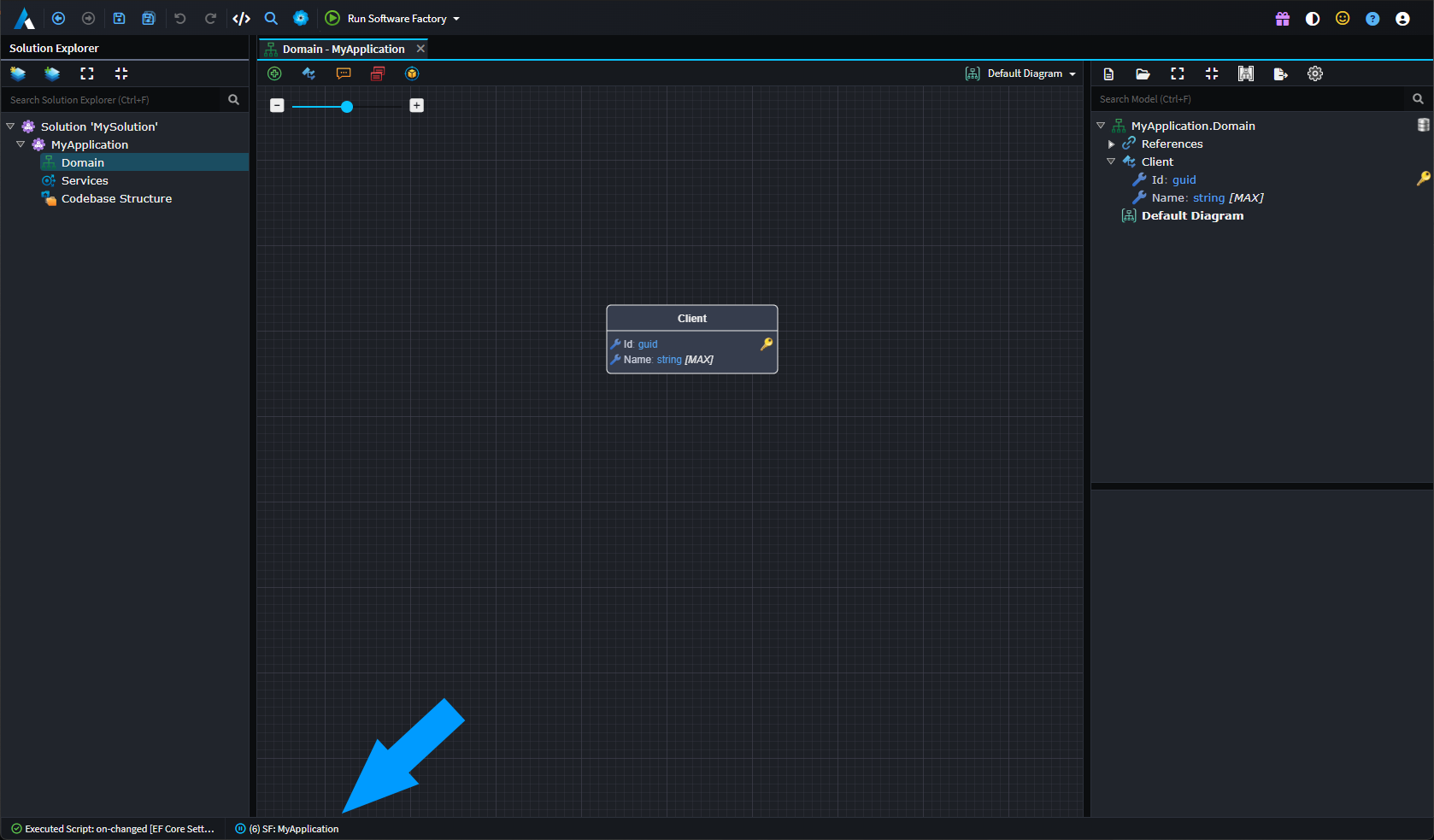
Minimized Software Factory running in the background.